- ✓ AIP1 Isambard-AI Phase 1 supported
- ✗ AIP2 Isambard-AI Phase 2 unsupported
- ✗ I3 Isambard 3 unsupported
- ✗ BC5 BlueCrystal 5 unsupported
Kubernetes: Argo Workflows - Experimental Access Only
Warning
This guide describes the experimental Kubernetes service on Isambard-AI Phase 1, which is invite-only and not designed for production workloads. See the Kubernetes overview for details of the service, the cluster and the policies that apply to it.
Argo Workflows is a workflow engine supporting DAG and step-based workflows where each step is a container. It can be used for a variety of use cases, from machine learning pipelines to CI/CD pipelines. On Isambard-AI it is combined with KServe to enable the deployment of LLMs.
Accessing Argo Workflows
-
Go to Early Access Argo Workflows.
-
Authenticate with your Identity Provider through Keycloak.
-
Select the project you want to access Argo Workflows with.

-
Click on the
Loginbutton on the Argo Workflows welcome page to sign in with Keycloak.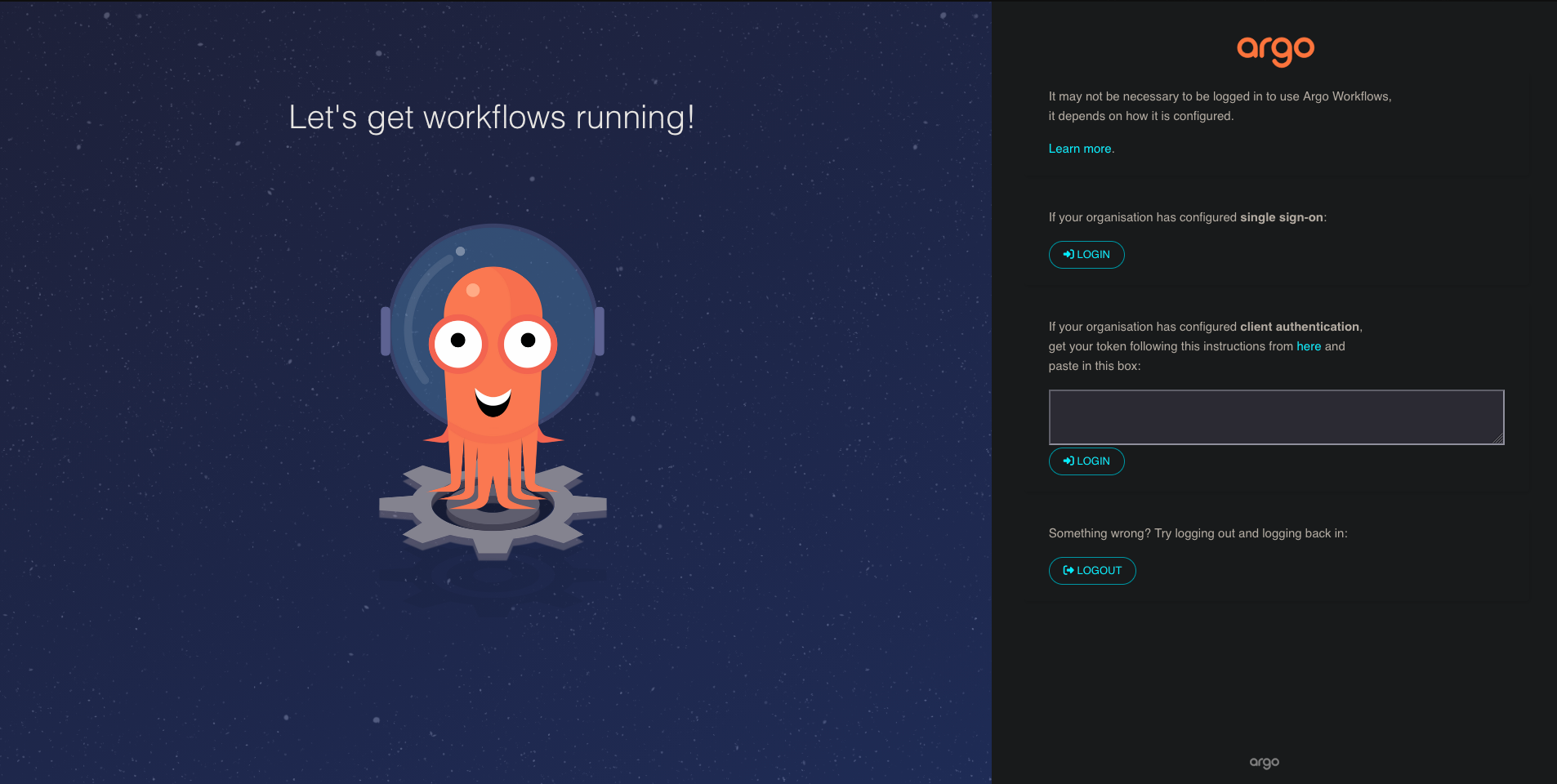
-
Go to
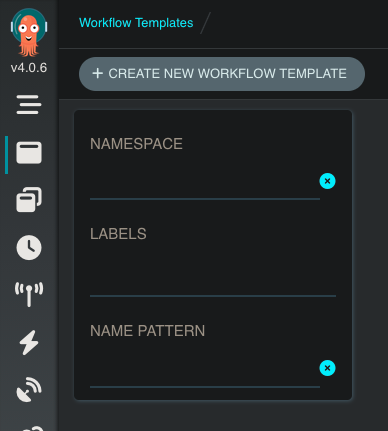
Workflow Templatesand filter for your namespace.- In the
NAMESPACEbox, type in the name of your namespace and press enter.
- In the
Getting started with Argo Workflows
Set your service account, PROJECT-USERNAME, as the serviceAccountName for your workflows.
See Namespaces and service accounts for details.
Within your namespace, we have created two workflow templates:
-
gpt-oss-120b-2n8g-llmisvc- Creates a PersistentVolumeClaim (PVC) to store the model.
- Downloads the GPT-OSS-120B model and Tiktoken encodings into the PVC.
- Deploys a KServe
LLMInferenceService, serving the model across two nodes. - Waits for the model to be served.
- Terminates the
LLMInferenceServiceafter 24 hours.
-
vllm-benchmark- Runs a vLLM benchmark against a KServe model endpoint.
- Specify the
isvc-nameof the deployed KServeLLMInferenceServiceand the template will determine the correct endpoint.
See LLM inference with KServe for more about the LLMInferenceService these templates deploy.
Tearing down custom resources
When testing out custom Argo Workflow templates, we recommend adding an onExit step which terminates any custom resources that have been created in the workflow.
You can see this in the provided KServe workflow templates which tear down the LLMInferenceService if the workflow fails.
Otherwise, the resource reaper will terminate it after 24 hours.
Example - Deploying a multi-node model with KServe
This example shows how to deploy the gpt-oss-120b-2n8g-llmisvc workflow template.
This template deploys one instance of OpenAI's GPT-OSS-120B model on eight GH200s across two nodes using vLLM through a KServe LLMInferenceService.
-
Go to
Workflows. -
Click
SUBMIT NEW WORKFLOW. -
Click
Select a workflow templateand selectgpt-oss-120b-2n8g-llmisvc. -
Verify the parameters and click
Submit.
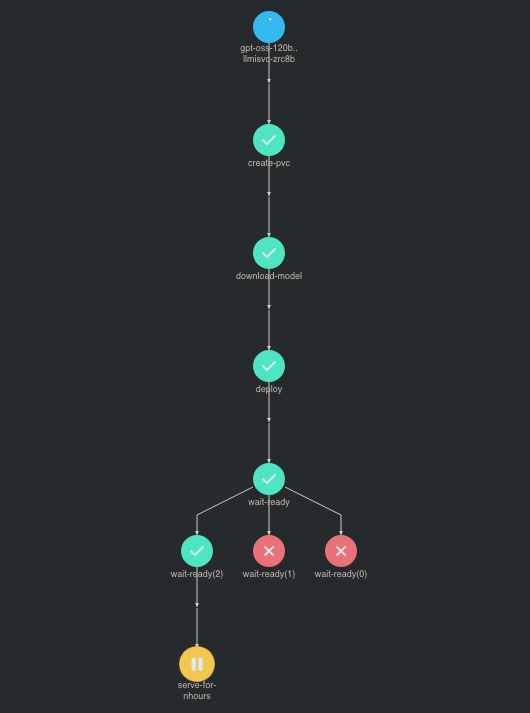
You will then be taken to the workflow page, which shows a directed acyclic graph (DAG) of the workflow steps as they are executed. The model will be successfully deployed if your workflow looks like this:
Benchmarking the deployed model
After the LLMInferenceService has been deployed and the model is being served, you can deploy the vllm-benchmark workflow to begin a benchmark against the model endpoint.
Follow the same steps as above for deploying a workflow template, but select the vllm-benchmark template and set the isvc-name parameter to match the one you entered when deploying your gpt-oss-120b-2n8g-llmisvc workflow template.